Environment variables are a powerful way to configure your application's runtime settings. They allow you to provide dynamic and flexible configuration options to your application without hardcoding values within your code.
What you'll need
Before you dive in, make sure you have the following prerequisites in place:
- A bunny.net account (Log in or sign up for a free trial).
- To configure your application using environment variables, you must have the required environment variables already defined and set up.
Environment variables configuration
To configure your application using environment variables, you'll need to follow these steps:
1. Login to bunny.net Dashboard.
2. Click Magic Containers and locate the container for which you want to configure environment variables.
3. Click Container Settings.
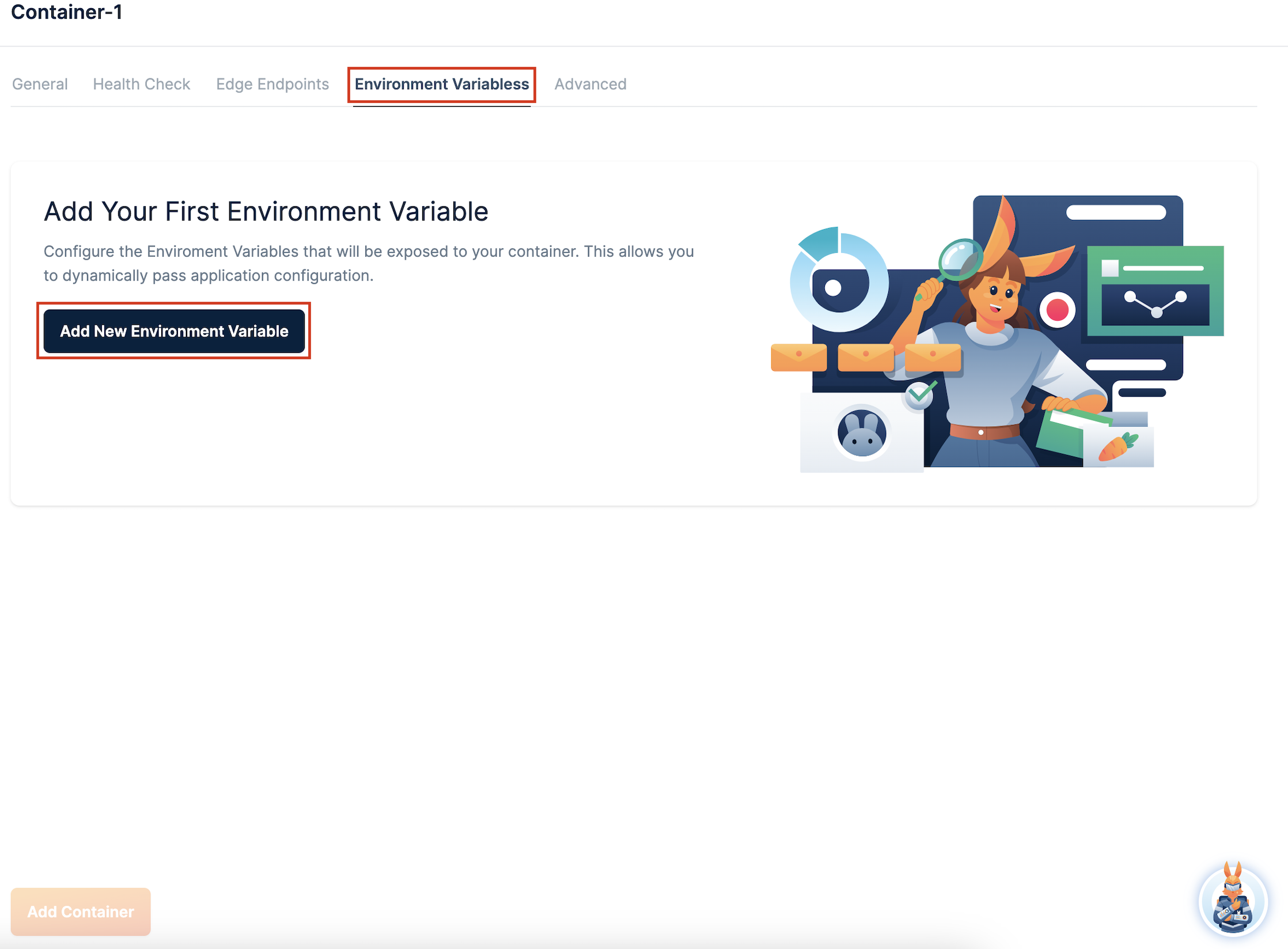
4. Select the Environment Variables tab and click Add New Environment Variable.
5. Specify the Name and Default Value of the variable and click Add New Variable.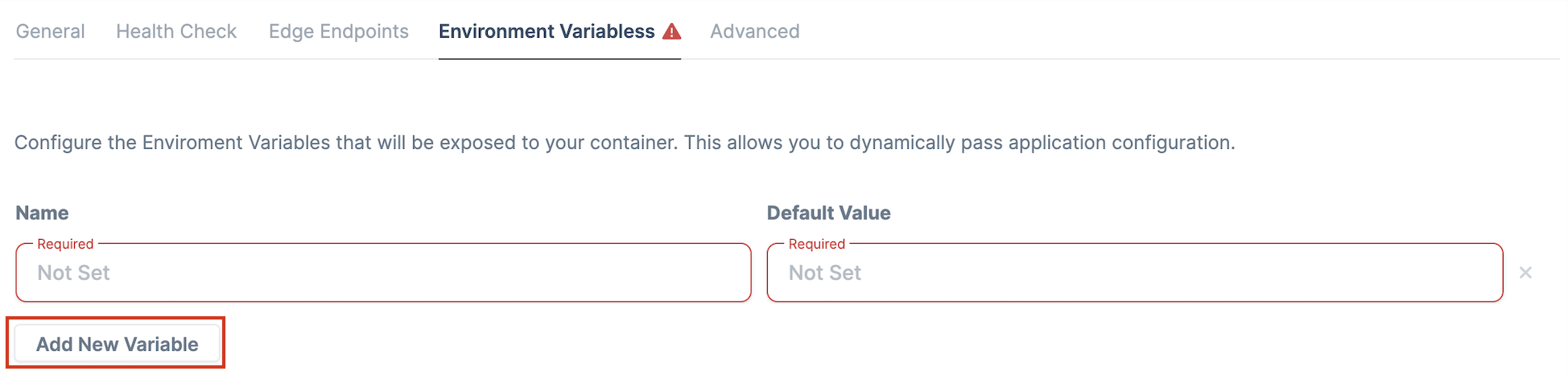
Note that the variable should be defined in your relative Dockerfile or Github Action workflow. If they exist already, Magic Containers automatically detects and adds the variables - otherwise they should be manually added.
Congratulations! You have successfully set up your environment variable.
Need help or encountered issues?
If you encounter any difficulties or have questions while following this guide, our support team is here to assist you. Please don't hesitate to contact us via the support request form for prompt assistance.
Our dedicated support team is ready to help you resolve any issues you might face during the deployment process, provide additional guidance, or answer your questions.