Ensuring your application is running on the latest version is essential for incorporating new features, bug fixes, and improvements. Magic Containers streamlines the update and configuration process, allowing you to upgrade your application to a higher version effortlessly.
What you'll need
Before you dive in, make sure you have the following prerequisites in place:
- A bunny.net account (Log in or sign up for a free trial).
- New Image Version. Before initiating the update, make sure you have the latest version of your application packaged as a Docker image. This image should be available in a container registry accessible to Magic Containers.
Updating your app
To update your app to a higher version, follow the steps below:
1. Log in to your bunny.net account.
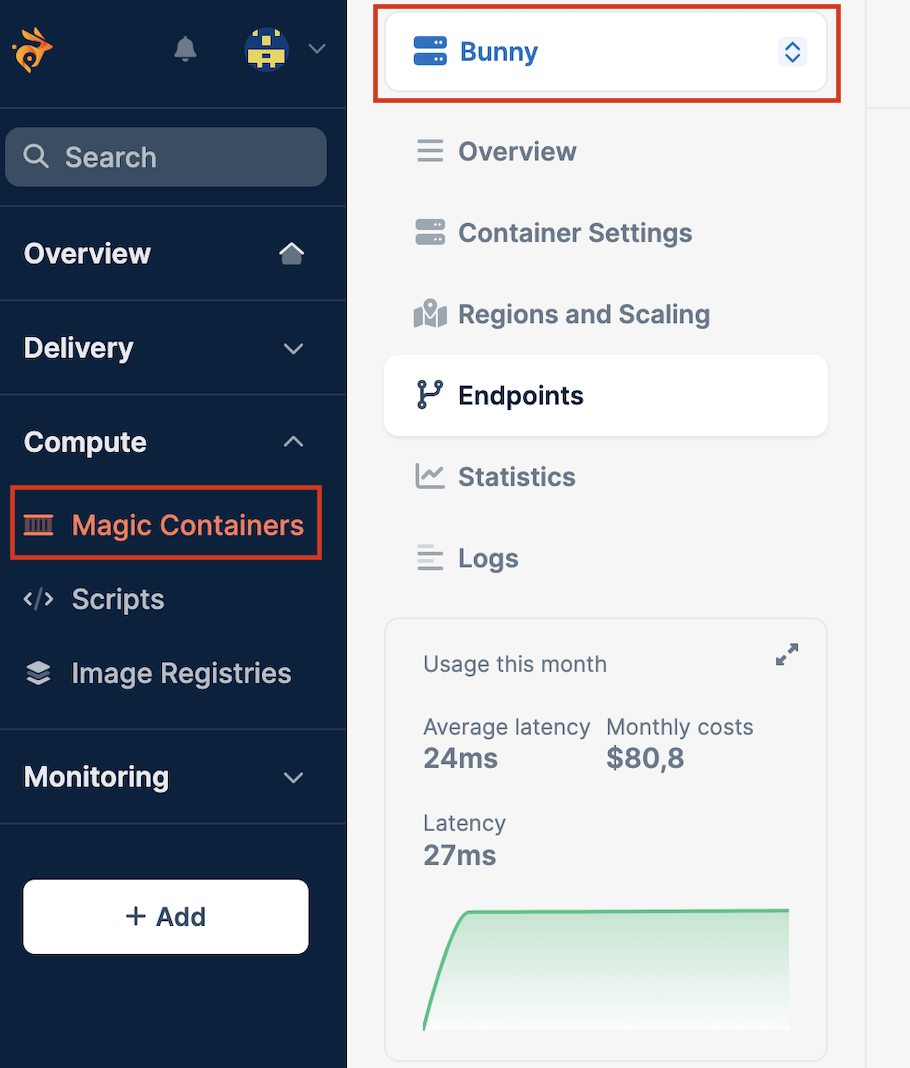
2. Navigate to the Magic Containers section and select the app from the dropdown menu you want to modify.
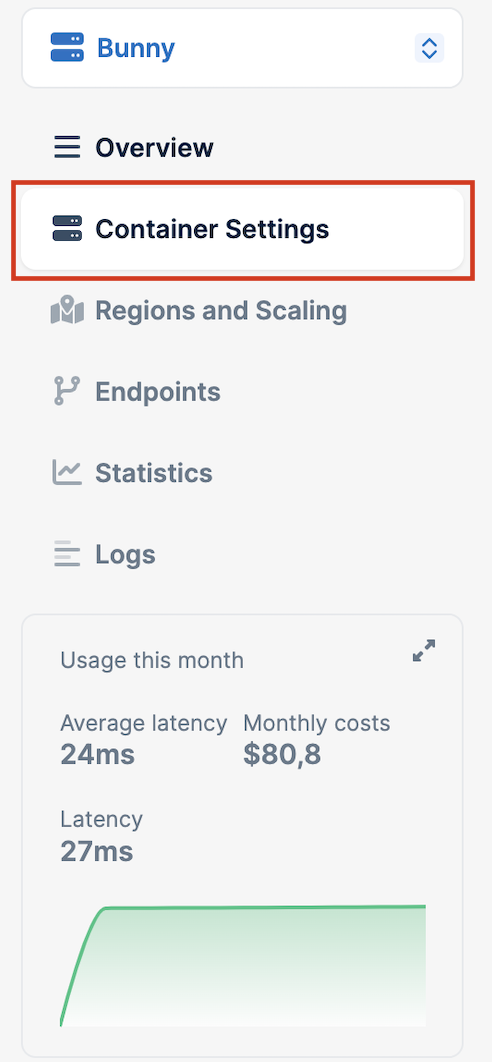
3. Click on Container Settings.
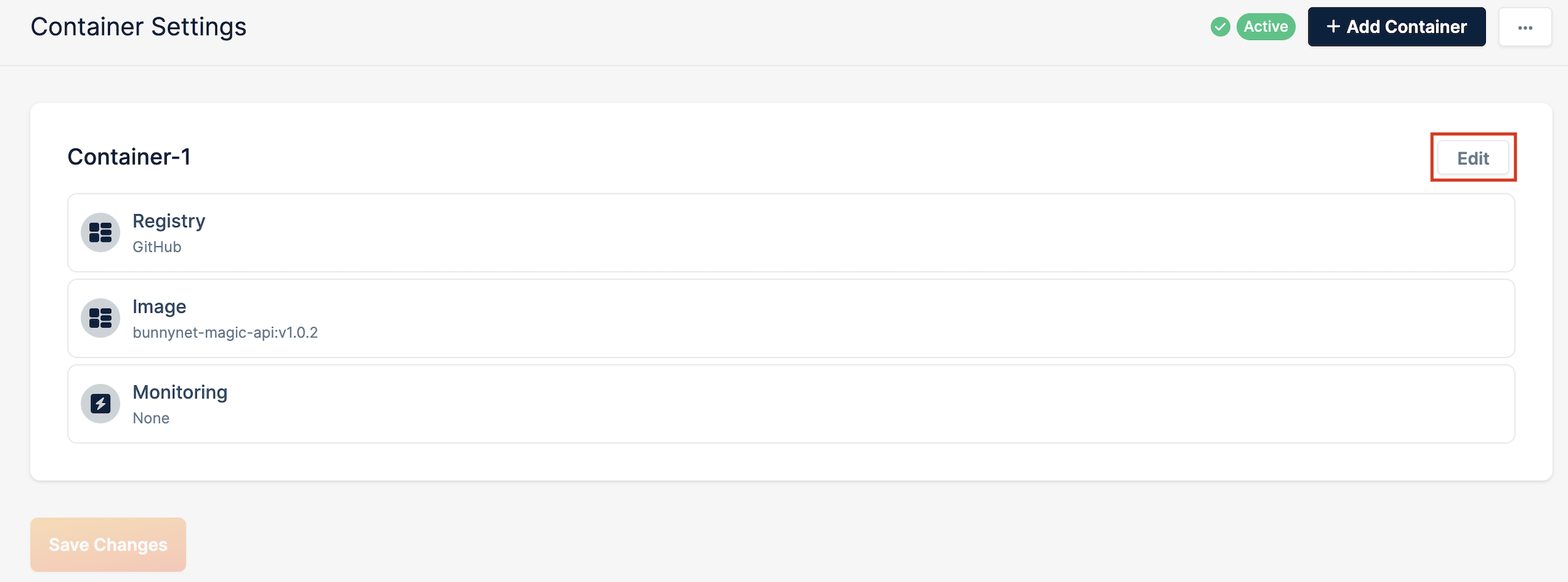
4. Click on Edit.
5. Select the new app version from the Image dropdown and click Update Container.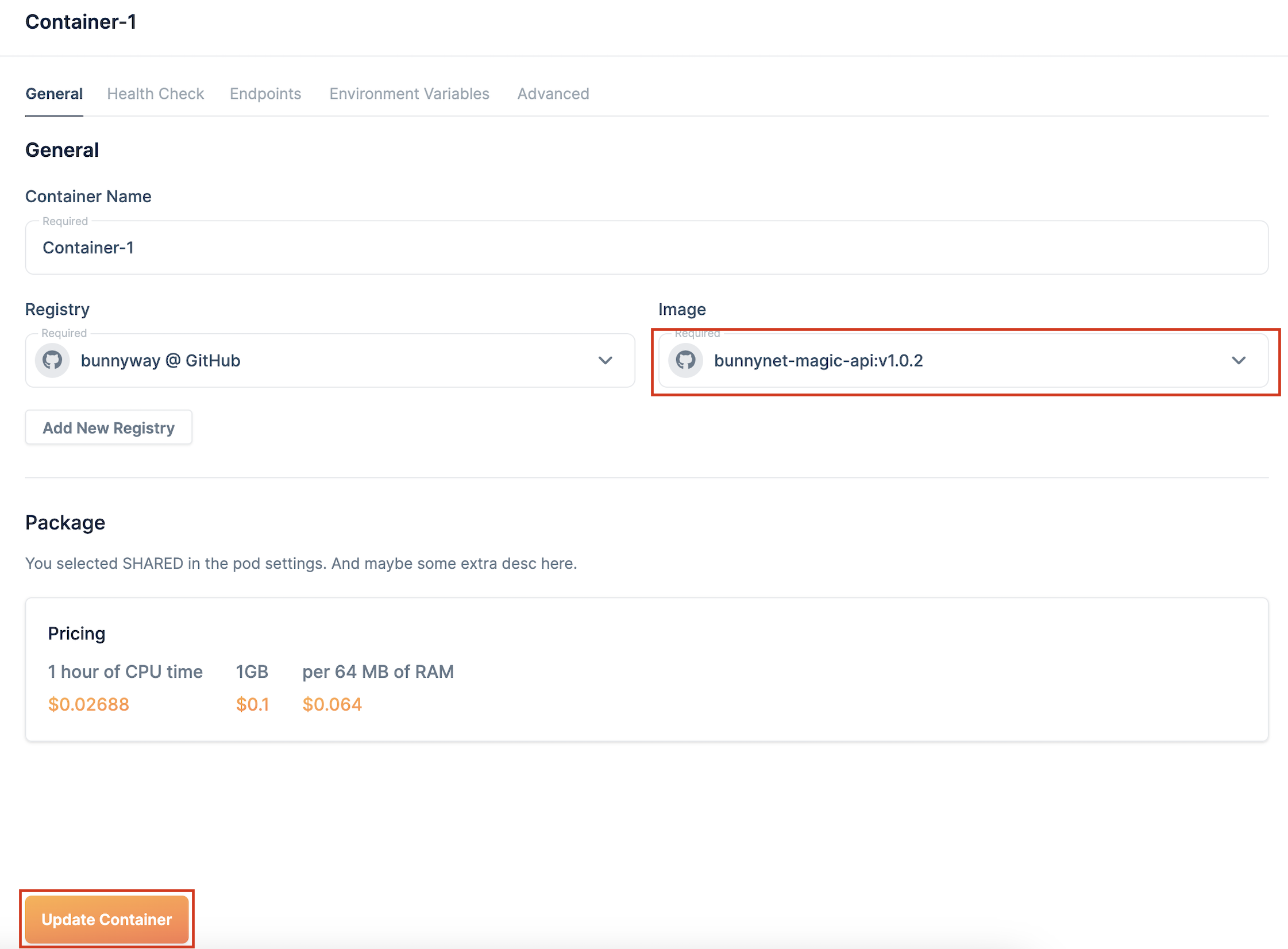
Need help or encountered issues?
If you encounter any difficulties or have questions while following this guide, our support team is here to assist you. Please don't hesitate to contact us via the support request form for prompt assistance.
Our dedicated support team is ready to help you resolve any issues you might face during the deployment process, provide additional guidance, or answer your questions.